
Free Music for Horror Videos and Ghost Stories
Choose the sound you want viewers to hear in each part of your horror video. Start with the words in the narration, the footsteps during the search and the small sounds just before the door opens.
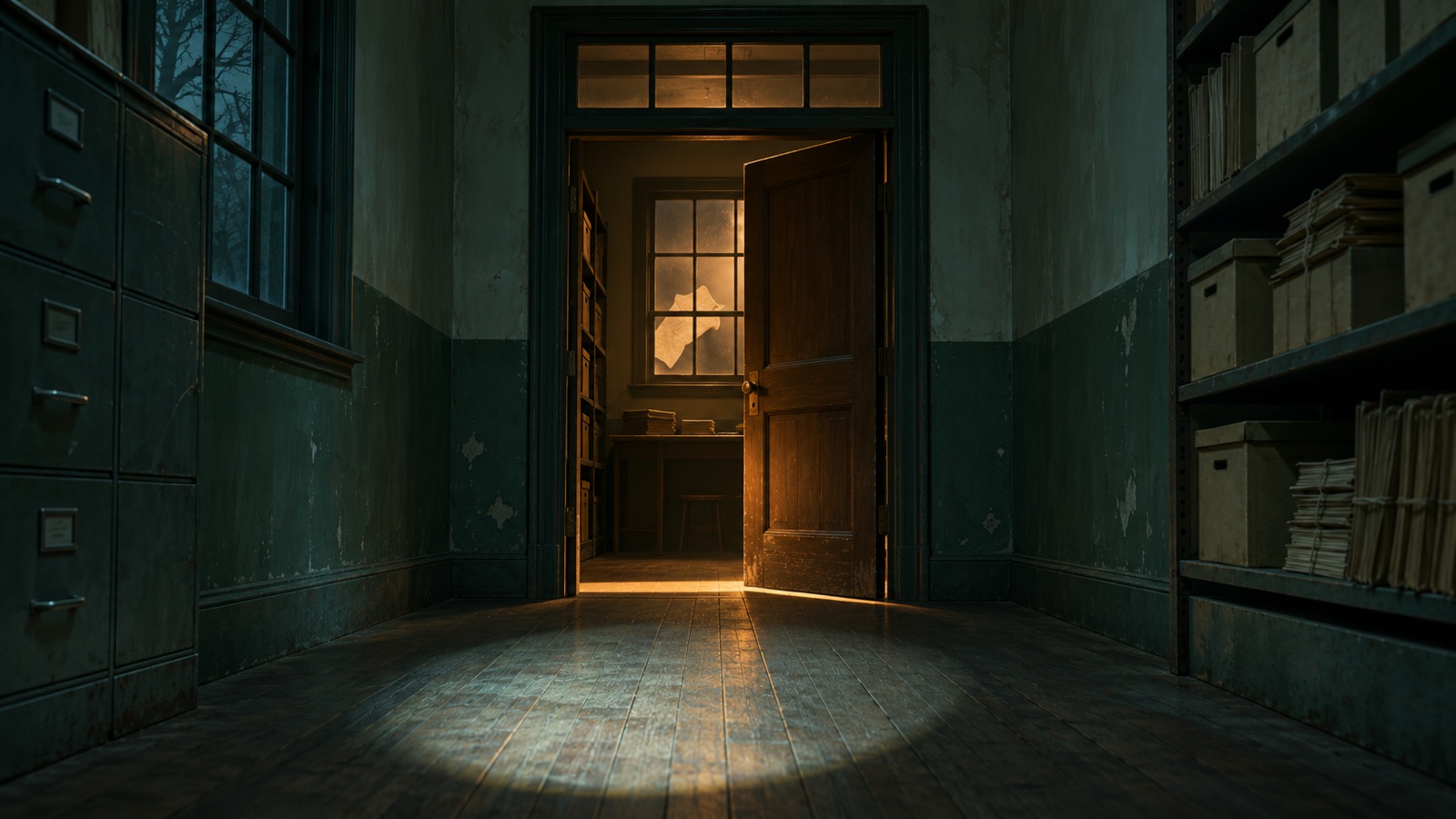
In this fictional 30-second scene, someone walks down a hallway at night and sees what is casting a shadow behind a door. Try one free track for each stage and start each track from its cue in our YouTube videos.
Divide a 30-second scene into narration, search and reveal
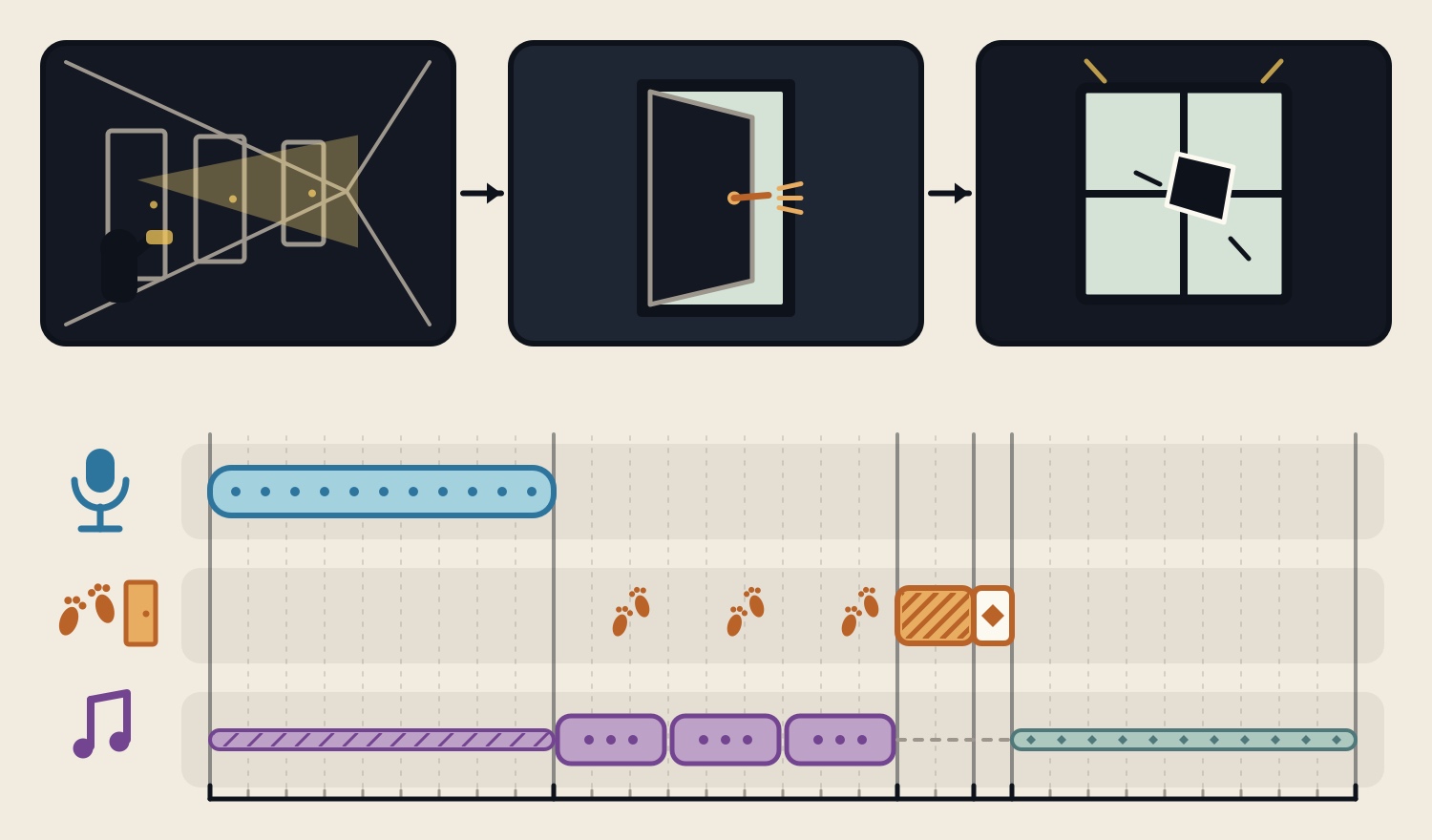
From 0 to 9 seconds, the narrator says, “I heard something scraping in the room at the end of the hall.” Keep the music low. From 9 to 18 seconds, the character walks down the hall with a flashlight. Leave the footsteps audible after the voice stops.
From 18 to 20 seconds, drop the music and keep the floor creaking. At 20 seconds, the latch clicks and the door opens. At 21 seconds, we see that the shadow comes from paper fluttering by the window, and a different track comes in quietly. Put voice, sound effects and music on separate tracks in the editor.
Keep a slow-moving track under the narration
“The Torches Do Not Reach” (3:44) has a vibraphone melody and very little movement. Play it low and use a phone to check that you can hear the first words of the narration and its last words, “the hall.”
Lower the music wherever it covers the words. Ducking is the automatic reduction of music when an editor detects speech. For one short line, you can also adjust the track by hand around the beginning and end of the narration.
Use repetition during the search and leave the footsteps audible
Try “They Stopped Digging in a Hurry” (3:58) for the hallway. The strings repeat a pattern that gradually shifts. Set the music low enough that you can tell how far apart the footsteps are.
Play the same section with and without music, up to the point when the flashlight falls on the door. If the footsteps disappear under the music, turn the music down or lower it briefly around each step. Adjust any added sounds separately from the voice and music.
Let the door be heard and bring music in after the reveal
At 18 to 20 seconds, take the music out and leave the floor creaking. Keep the small latch sound when the door opens at 20 seconds. Bring in “It Was Not Supposed to Open” (4:27) quietly at 21 seconds. The track has a theremin melody and a five-beat meter, and its entrance carries the scene past the reveal.
The diagram leaves out the music for the two seconds before the door opens. Make a version with quiet music there as well. Keep your device at the same volume and check whether the latch stays clear and whether the next track draws too much attention when you see the paper.
Find music and effects for the scene and check the terms
Use the horror music catalogue to find a track for a longer passage. Use the sound effects catalogue for action cues such as footsteps or a door. Our film music guide explains the sounds characters can hear and the score the audience hears.
These three tracks are royalty-free and free to download. Commercial video use is allowed, with no credit required. Redistribution or sale of the audio on its own and use for AI training are prohibited. The listening links go to our YouTube videos. Download the music from each track’s page.
- 1
Three tracks to try in a horror video
Hear a track for the narration, the search and the moment after the reveal.
These sounds from arcalune
FAQ
- What free music works under a ghost story narration?
Try a slow-moving track at a low level. Check whether you can hear the first and last words and lower the music wherever it covers the voice.
- When should I take the music out before a reveal?
In this example, the music stops from 18 to 20 seconds and the floor creaks. The door is heard at 20 and the next track begins at 21. Compare it with a version that keeps quiet music just before the door opens.
- How do I mix music and sound effects in a horror video?
Put narration, sound effects and music on separate tracks. Keep sounds such as footsteps or a door in sync with the picture, and turn down the music where needed to let them through.
- Can I use these horror tracks in commercial videos?
Yes. The three tracks are free to download and royalty-free for commercial use under the usage guide, with no credit required. Redistribution or sale of the audio on its own and use for AI training are prohibited.